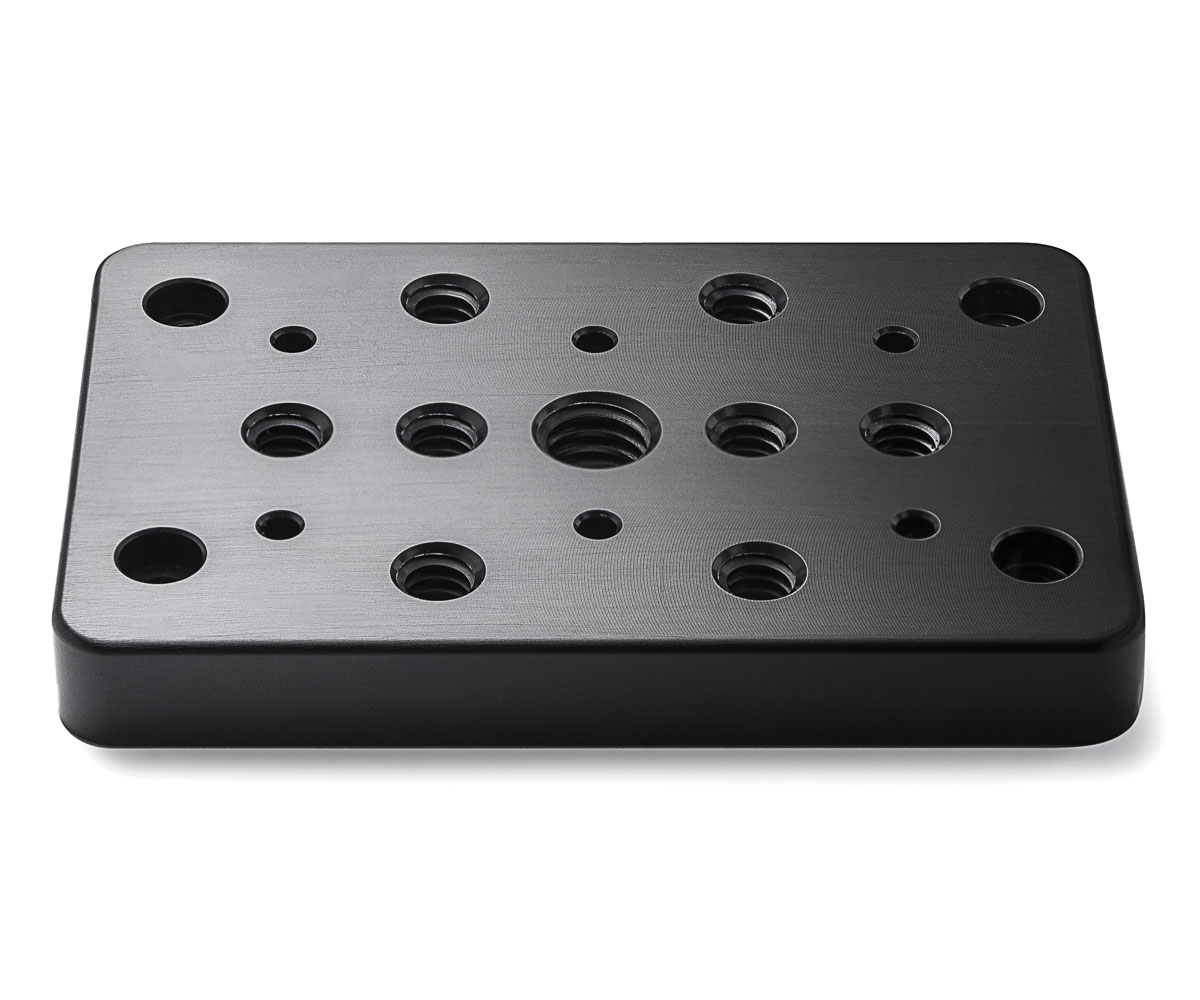
Instruction – Bolex REX cheese plate rear II

Suitable for Bolex Camera models REX 5, SB, SBM, EBM, EL MKI, MKII, and MKIII.
Due to variations in screw-hole positioning, it’s important to note that the earliest Rex 5 models might not be compatible.

Take out the two screws securing the plastic note holder.

It is very important you do not unscrew the two screws on the right hand. They are at risk of falling into the mechanism or electronic.

With a flat screwdriver, remove the two screws located on the left.
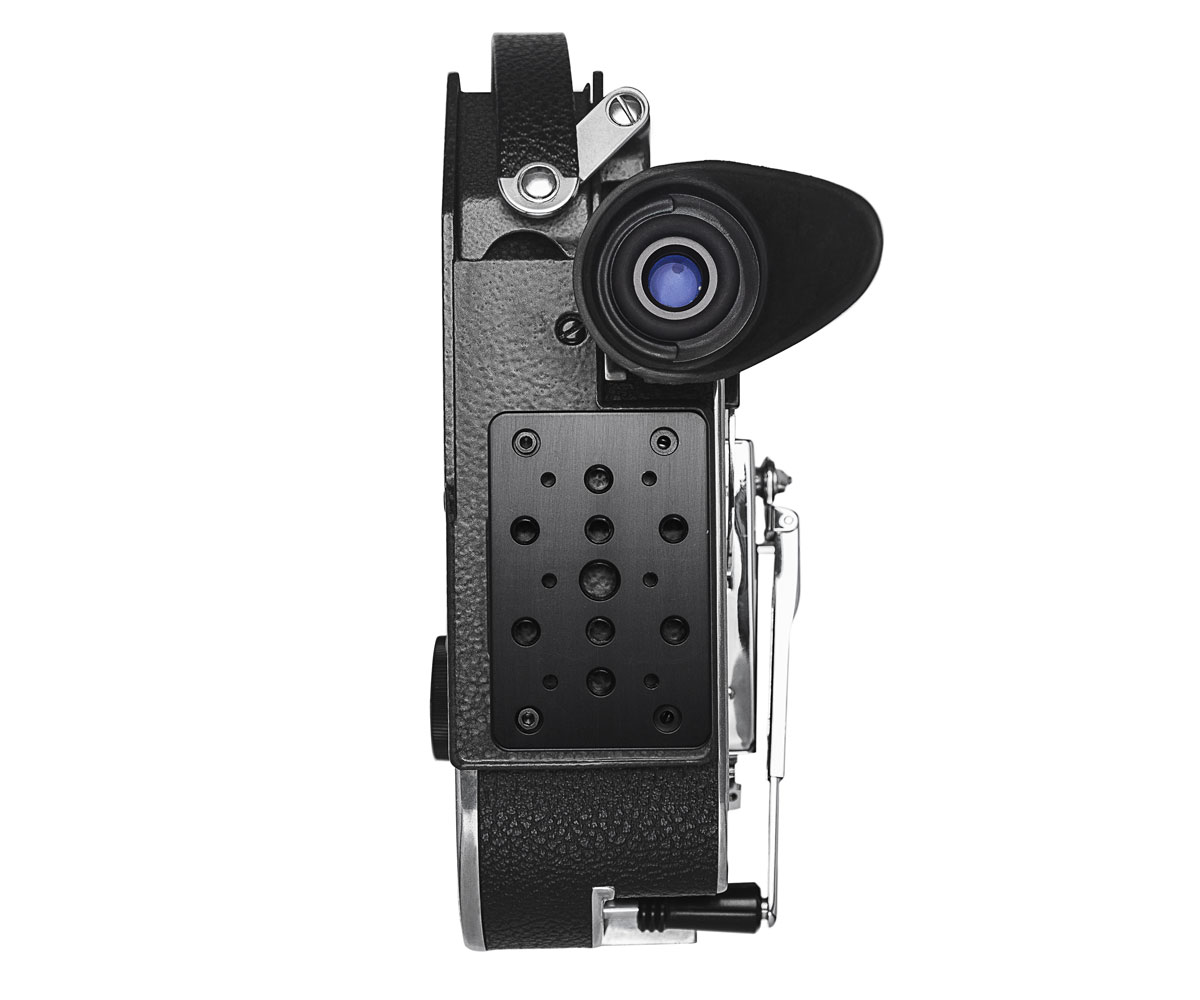
Use the two screws provided to mount the plate.
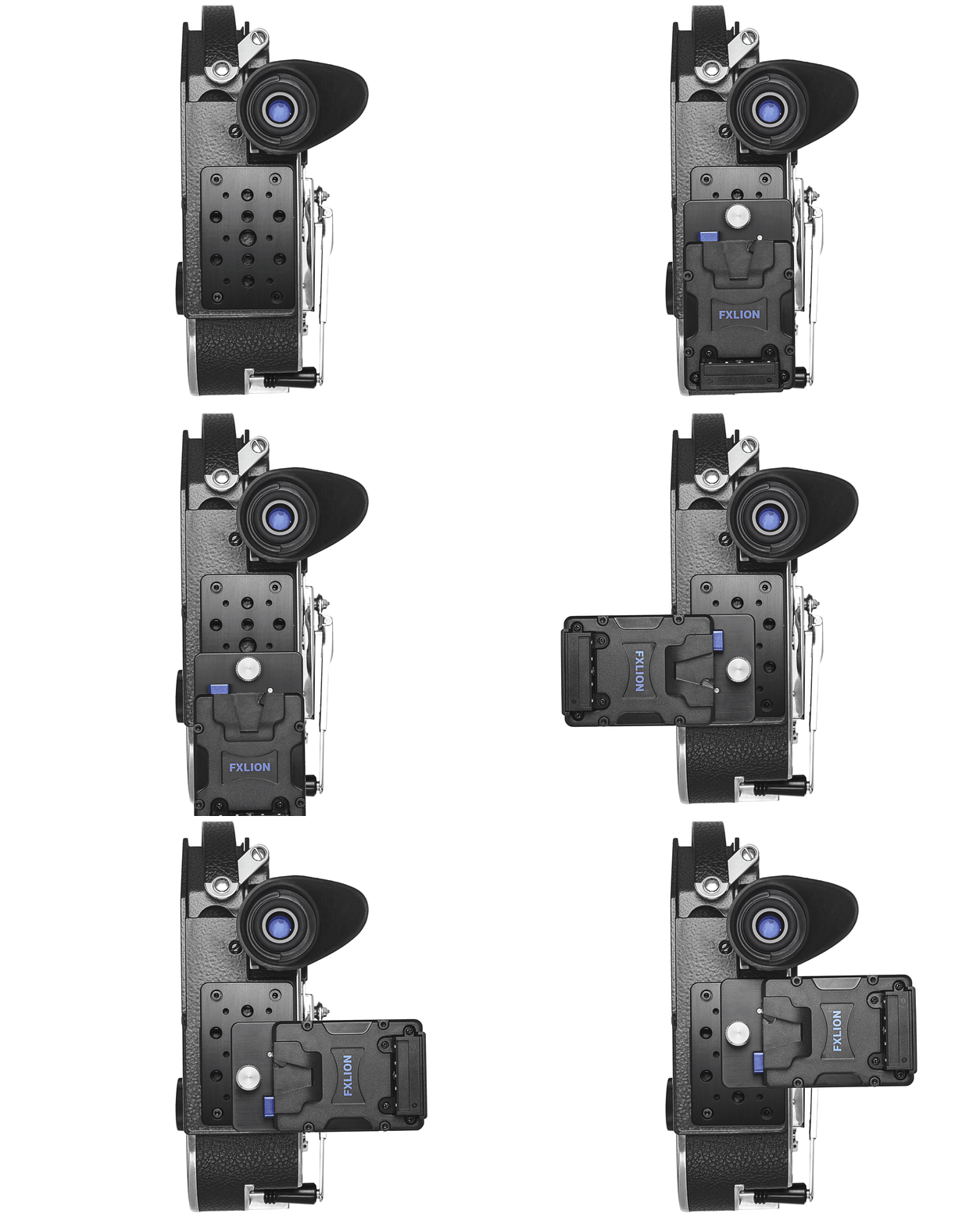
The illustration in this instruction always show REX 5 model, the operating instructions however, apply to REX5, SB, SBM.
Newsletter
Join our community and get the latest news, sales and updates.
To provide the best experience, we use technologies like cookies to store and/or access device information. Consenting to these technologies will allow us to process data such as browsing behavior or unique IDs on this site. Not consenting or withdrawing consent, may adversely affect certain features and functions.