
Instruction – Bolex Video assist SDI settings
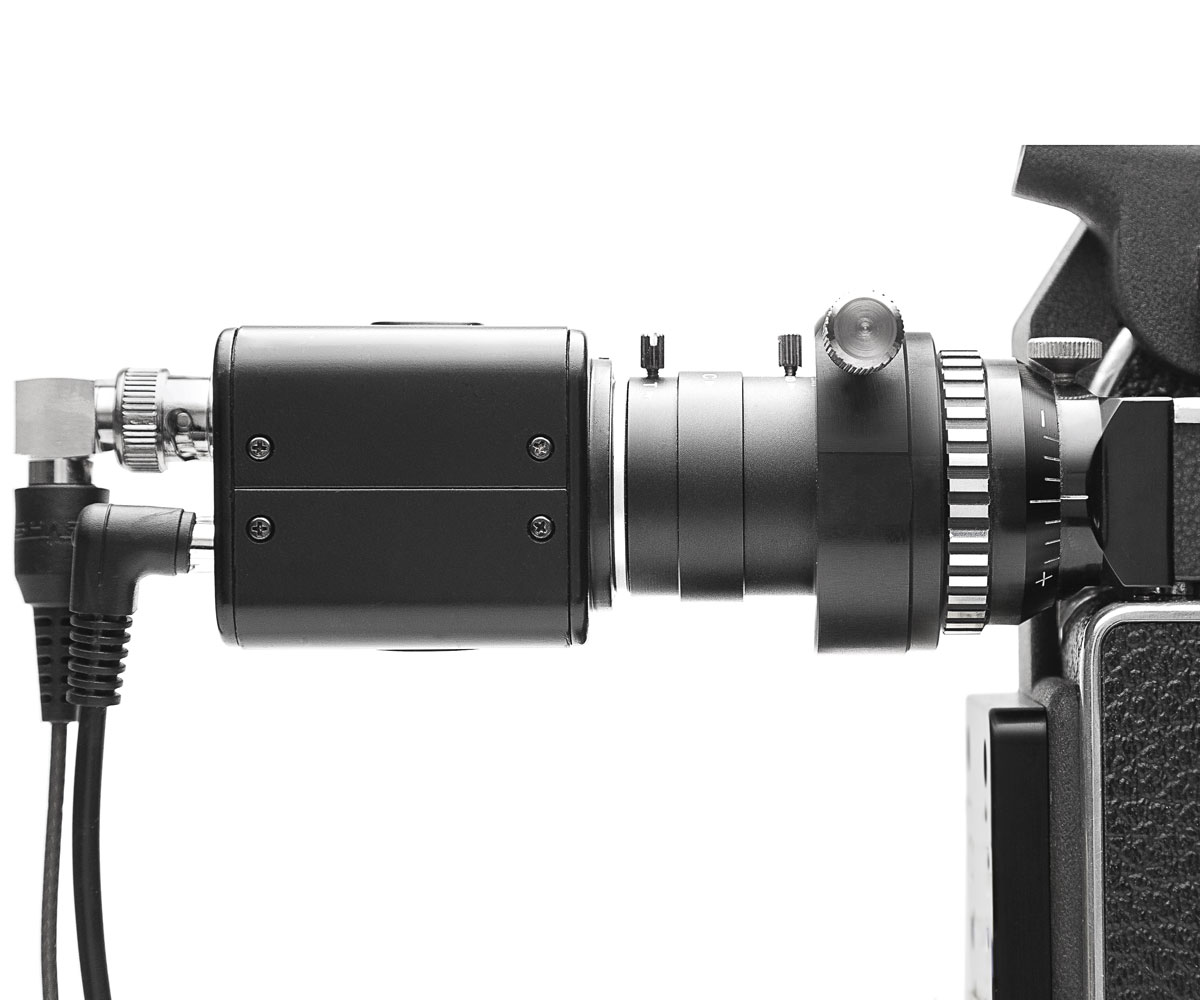
Bolex Video assist SDI settings

ALC to allow mechanical iris adjustments.

Focus adjustement off.

Shutter Automatic
Sens up off (Increases Sensor Gain or Slow Shutter Speed)
AGC 0 (Automatic Gain Control)

Backlight WDR (Wide Dynamic Range) Improves Visibility in High-Contrast Scenes.
Recommended setting: Low

Day & Night
Recommended setting: Color

DNR (Digital Noise Reduction)
It can improves image roughness in low-light level environment
OFF / LOW / MIDDLE / HIGH.
Recommended setting: Low

Increase sharpness.
Recommended setting: 10

Used to adjustment the monitor GAMMA value
0.45/0.55/0.65/0.75 selectable.
Recommended setting: 0.45

Motion off
Display red box in the monitor when detecting moving objects.
Recommended setting: Off

Framerate: 1080p/720p, selectable at 25/30 fps.
Frequency: 60Hz/50Hz.
Note: If using an Atomos screen, do not change the settings, as your monitor will not be able to recognize 720p
Recommended setting: 1080 25P

Image range full.

Color space: HD-CbCr.
Reset: Long press to restore factory settings.
Exit, save.
Newsletter
Join our community and get the latest news, sales and updates.
To provide the best experience, we use technologies like cookies to store and/or access device information. Consenting to these technologies will allow us to process data such as browsing behavior or unique IDs on this site. Not consenting or withdrawing consent, may adversely affect certain features and functions.