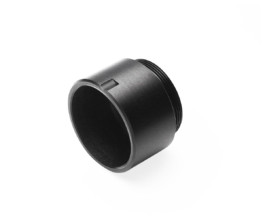
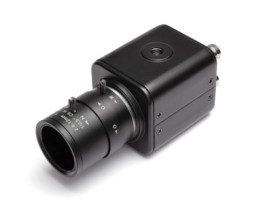
The M12 Lens Adapter replaces the 2.8-12mm cs-mount lens.
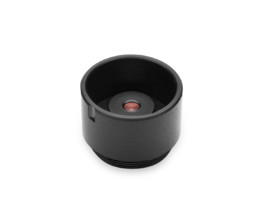
Screw the M12 lens into the M12 adapter.
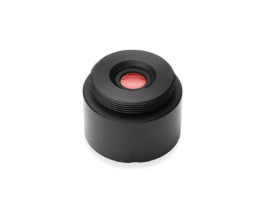
Blow the dust off the IR filter and M12 lens. Do not touch the lens with your hands.
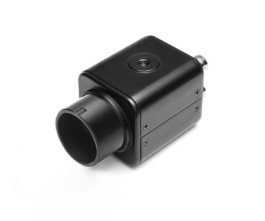
Mount the M12 adapter onto the CS mount, replacing the original lens.
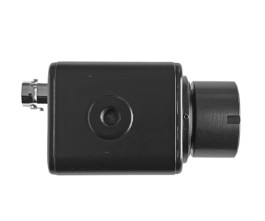
If sharpness cannot be achieved, loosen the CS-mount locking ring screw and readjust.
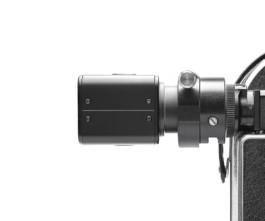
Once focus is correct, lock the adapter securely in place.
The adapter is eccentric and allows framing adjustment. Rotate the adapter to fine-tune image positioning.
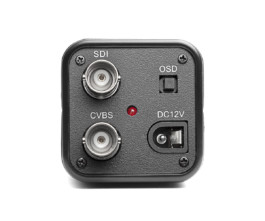
It is compatible with the SDI camera.
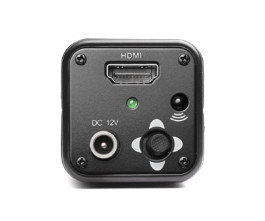
To use with HDMI, you musst remove the IR filter of the video-assist camera.
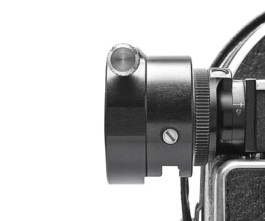
10× M12 Lens Adapter compatible with all 10× adapters for Bolex cameras with a 10× viewfinder.